Your bilingual reading, perfectly integrated.
A lightweight web proxy that injects side-by-side translations into any webpage. Designed to offer natural immersion without the bloat or clutter of a conventional extension.

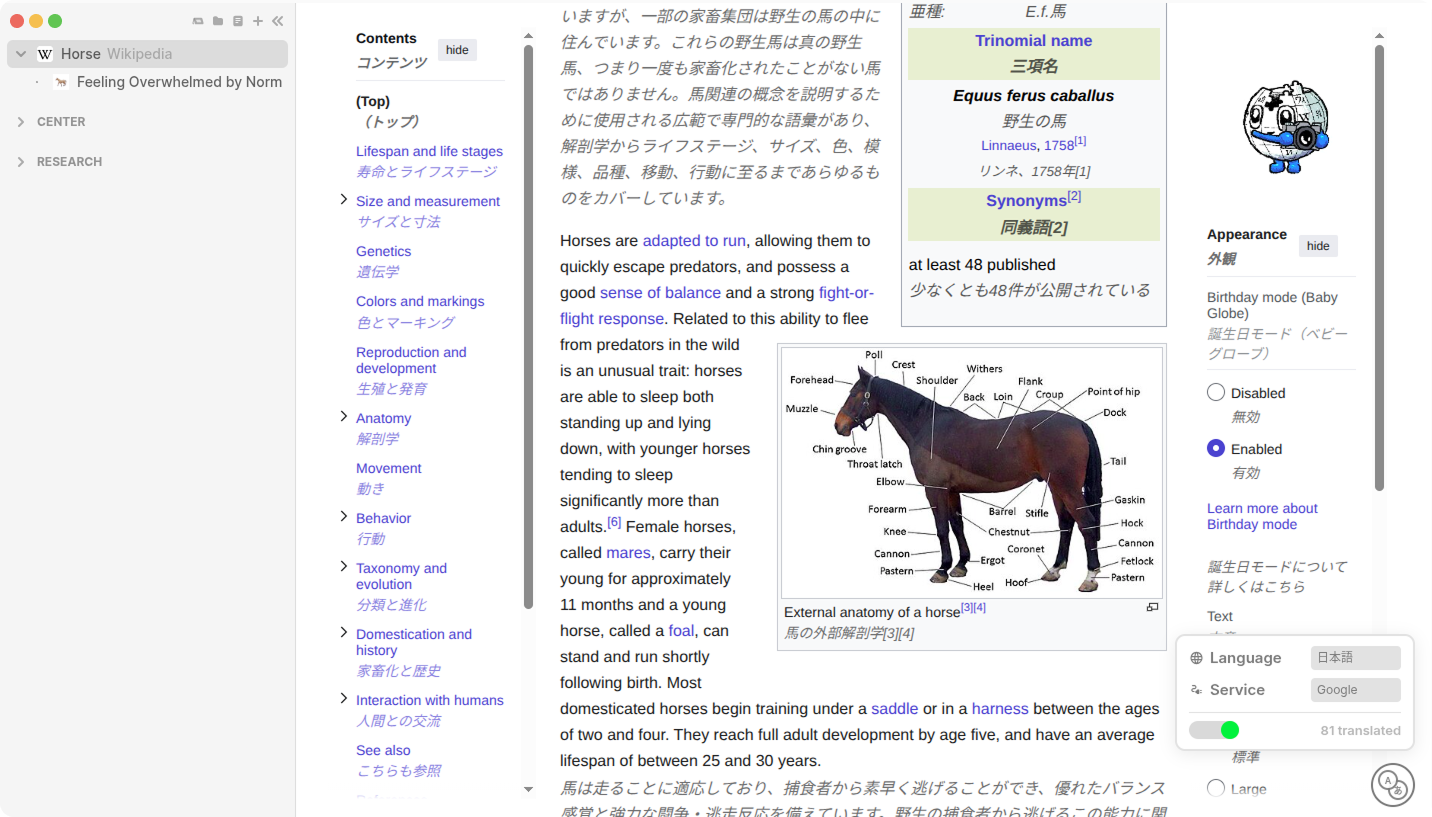
A lightweight web proxy that injects side-by-side translations into any webpage. Designed to offer natural immersion without the bloat or clutter of a conventional extension. Un proxy web ligero que inserta traducciones lado a lado en cualquier página. Diseñado para ofrecer una inmersión natural sin el peso ni el desorden de una extensión convencional.
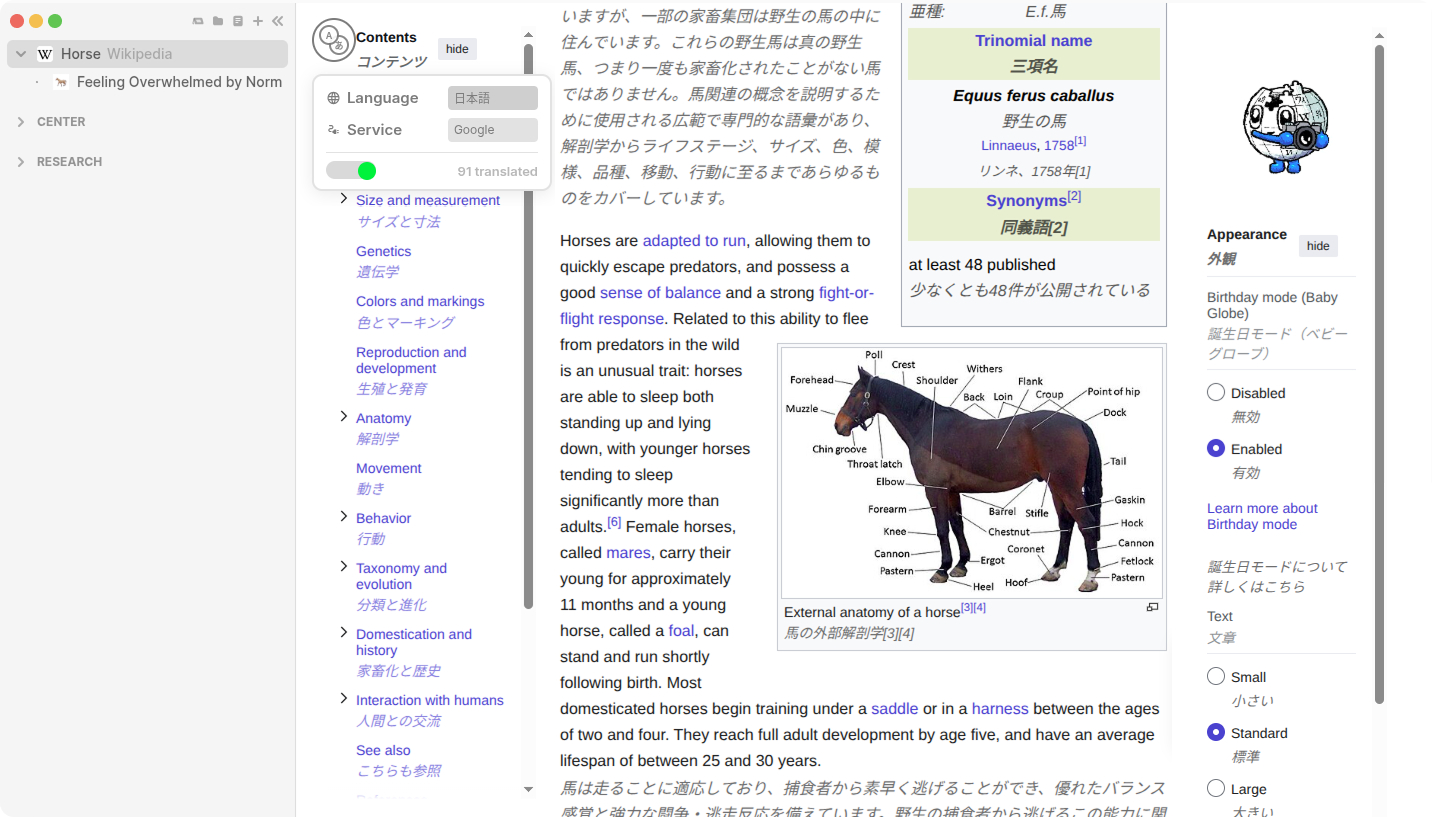
Reading on the web shouldn't mean constantly switching tabs to a translator. Charioteer seamlessly injects the context right where you need it, matching the font and style of the original page. Leer en la web no debería significar cambiar constantemente de pestaña a un traductor. Charioteer inyecta el contexto sin problemas justo donde lo necesitas, igualando la fuente y el estilo de la página original.
A snippet is a small piece of code that you save directly in your browser's developer tools to run custom functions, like this translator, on any webpage.
Ensure you have Node.js (LTS version) installed on your system and download the project files to your computer.
Open a terminal in the project folder. Run npm install to install
dependencies, then npm start. Keep this window open; it is required to
bypass web security restrictions.
Open the Developer Tools (Control + Shift + I). Go to the Sources tab and find Snippets. Create a new snippet, paste the installation code, and save your changes.
With your new snippet selected, click the run button (Play) or press Ctrl + Enter. A floating button will appear on the webpage, allowing you to start translating.